

Setu (सेतु, "bridge"): the people who request, approve and run a studio, in one app.




Program scheduling, equipment inventory, approvals and staff rosters for a studio team, in one installable web app that runs on free tiers. Teams request equipment and sessions, approvers decide on them, and the crew sees who is on shift. It is a small internal app, built for up to 500 users and 100,000 records, that works in Chrome on desktop and mobile and installs to the home screen as a PWA.
It is also a compact, working reference for a React + Supabase + Vercel app with Google sign-in, role-based access, Postgres Row Level Security, Edge Functions, and an in-repo UI kit instead of a component library.
Screenshots
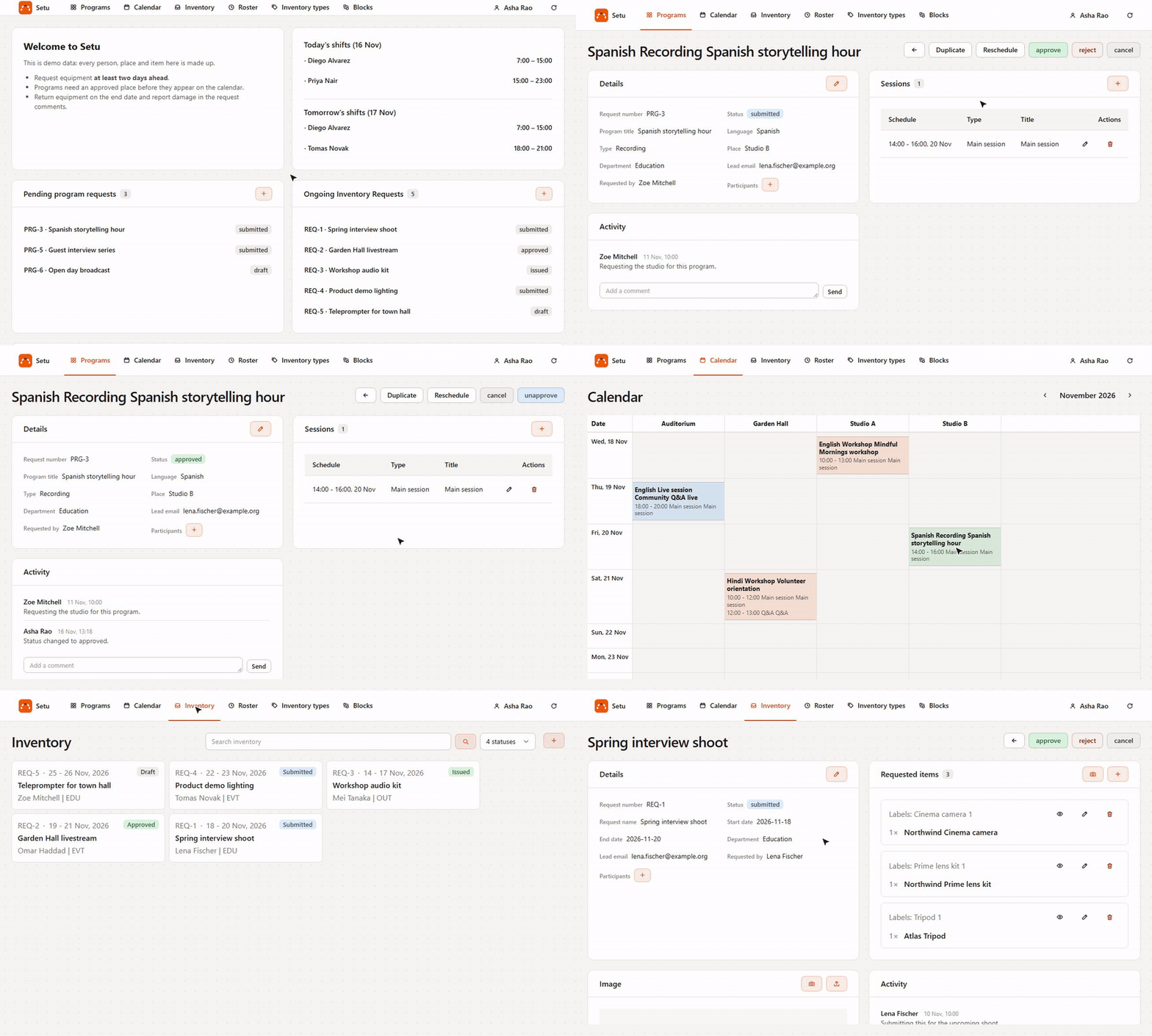
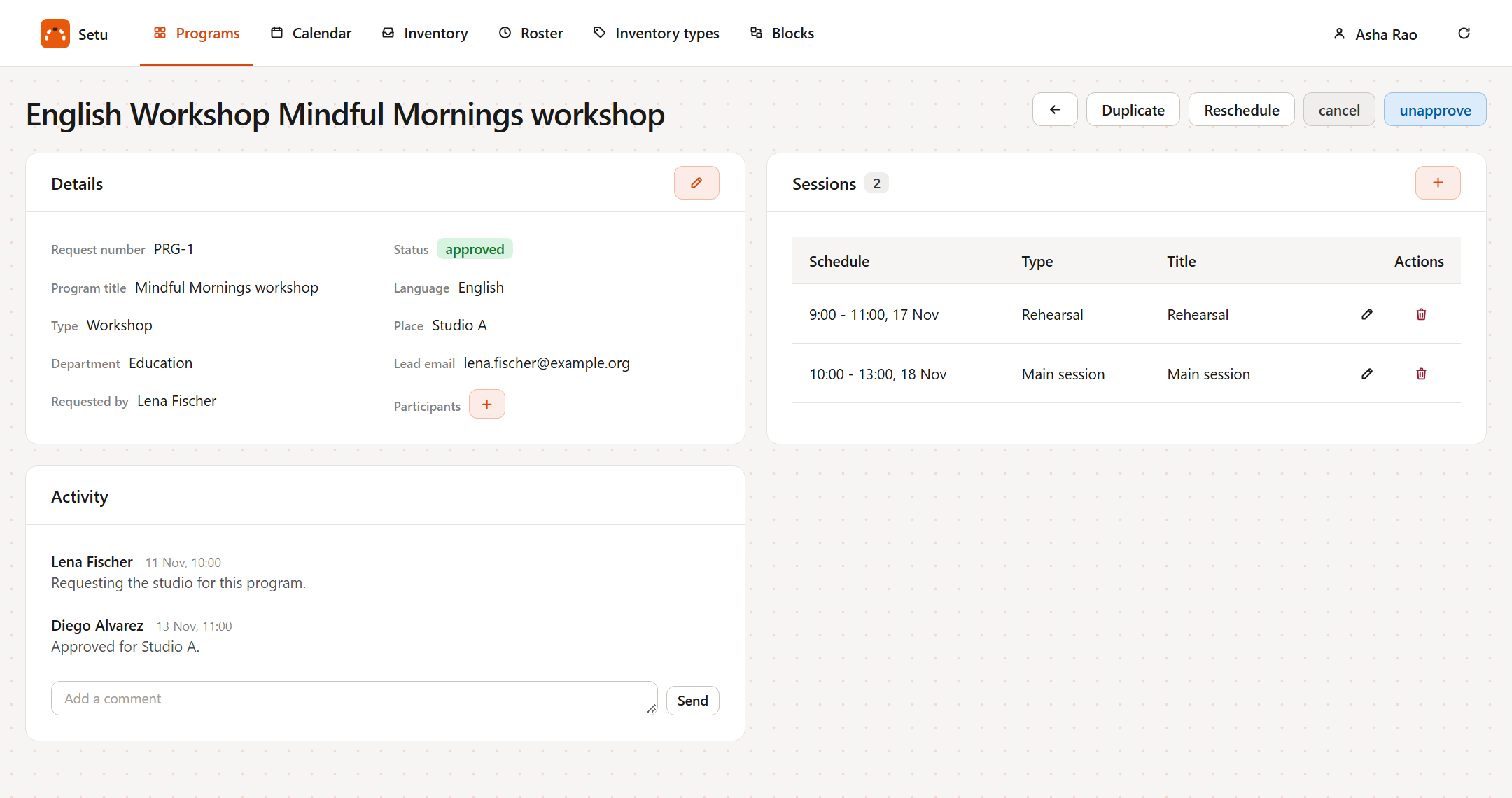
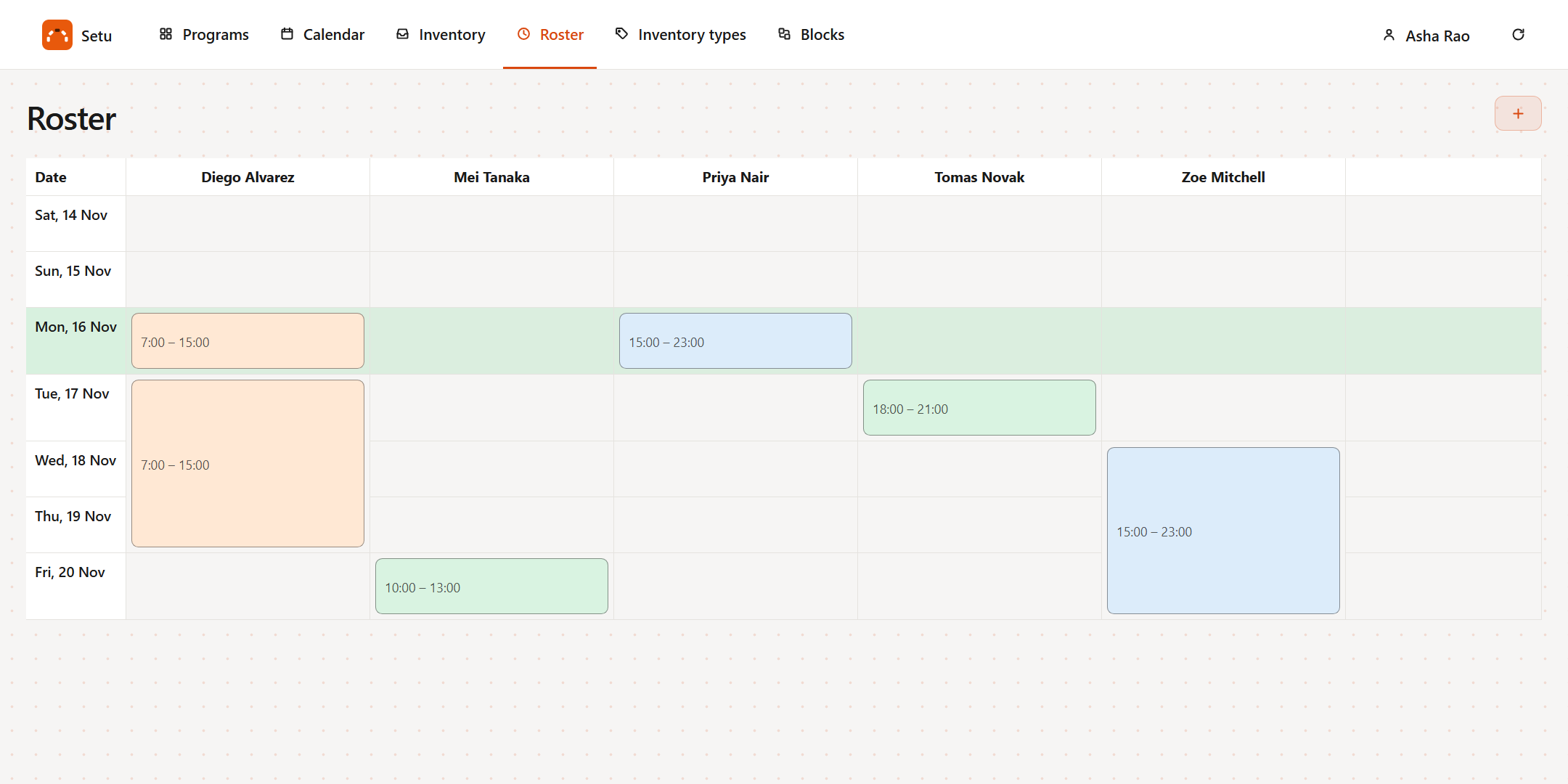
The GIF and screenshots use made-up data from the built-in demo, not a real organisation.
Run it yourself with npm run demo; see Try it without Supabase.
Features
- Program requests and calendar. Request sessions at a place, see a month calendar of approved programs, and rely on the app to block clashes (two approved programs can't use the same place within an hour of each other).
- Equipment inventory. Track types, brands, places, and individually labelled items. Print QR labels as a PDF, scan them with the phone camera, and attach photos that are compressed in the browser before upload.
- Approval workflow. Inventory and program requests share one lifecycle: submit, approve, reject, issue, close, cancel, revise, and reopen, enforced by a single policy module used by both the app and the API.
- Comments and email. Comments on every request, with email notifications to participants sent through the Gmail API.
- Roster scheduling. Shift types and per-person rosters for the crew.
- Roles and access control.
admin,approver,viewer, anduserroles, an email-domain allowlist, and Row Level Security in Postgres. - Built for phones. Installable PWA, a bottom dock on mobile, and a list-and-detail layout on wide screens.
- Costs nothing to run. Fits within the free plans of Supabase and Vercel; a scheduled workflow keeps the free project from pausing.
How it works
Browser → Vercel static app → Supabase Auth
                           ├→ Edge Function: api
                           ├→ Postgres
                           └→ Storage
| Layer | Technology |
|---|---|
| Frontend | React 19, TypeScript, Tailwind CSS 4, TanStack Query, React Router |
| API | Supabase Edge Function (supabase/functions/api/) |
| Database | Supabase Postgres with RLS and pg_cron |
| Auth | Google OAuth through Supabase Auth |
| Hosting | Vercel serves the static build; GitHub Actions deploy Supabase |
| Tests | node --test, migrations run against an in-memory Postgres (PGlite) |
Quick start
You need Node.js 22+, a Supabase project, and a Google OAuth client.
git clone https://github.com/live-miracles/setu.git
cd setu
npm install
cp .env.example .env.local   # add your Supabase URL and publishable key
npm run dev                  # http://localhost:47193
Getting started walks through the Supabase and Google OAuth setup, applying the schema, and making yourself an admin.
Local development and production share one Supabase project, so local work reads and writes live data. Use a test account and avoid bulk or destructive changes.
Documentation
| Guide | What's in it |
|---|---|
| Getting started | Developer setup, roles, commands, project layout |
| Deployment | Free-tier limits, Vercel, automatic deploys, comment email, allowlist |
| Database backups | Encrypted weekly backups on the free plan, and restore steps |
| Troubleshooting | Fixes for the setup errors people hit most |
| Security review | Security controls and intentional design decisions |
| Architecture decisions | Why the app uses its own UI kit instead of Ant Design |
| Domain glossary | Terms used in the code: request, party, approver, place, and so on |
Contributing and security
Run npm test, npm run typecheck, and npm run format:check before opening a pull
request; the same checks run in CI. Repository conventions are in
AGENTS.md. To report a vulnerability, follow SECURITY.md
and contact the repository owner privately instead of opening a public issue.
License
MIT © Live Stream Miracles